Installation
RayMol runs natively on Apple platforms, combining PyMOL’s molecular modeling engine with a high-performance Metal renderer and an embedded Python 3.13 runtime.
System requirements
Section titled “System requirements”- macOS: macOS 14.0 (Sonoma) or newer. The native build requires an Apple Silicon Mac (
arm64). - iPadOS: iPadOS 17.0 or newer. On-device structure prediction and sequence design require iPadOS 18.0 or newer.
- iOS: iOS 17.0 or newer. On-device structure prediction and sequence design require iOS 18.0 or newer.
macOS installation
Section titled “macOS installation”You can install RayMol on macOS through Homebrew, direct download from GitHub Releases, or the Mac App Store.
Option 1: Homebrew Cask (recommended)
Section titled “Option 1: Homebrew Cask (recommended)”For terminal users and developer workflows, RayMol is distributed through a Homebrew tap:
brew install --cask javierbq/raymol/raymolThis installs the direct Developer ID-signed build, which includes the local Model Context Protocol (MCP) server for AI assistants and built-in Sparkle auto-updates.
Option 2: Direct DMG download
Section titled “Option 2: Direct DMG download”You can download the latest notarized disk image (.dmg) directly from GitHub:
- Download
RayMol-<version>.dmgfrom GitHub Releases. - Open the downloaded
.dmgfile. - Drag RayMol.app into your Applications folder.
The direct DMG build includes full MCP server support and Sparkle auto-updates.
Option 3: Mac App Store
Section titled “Option 3: Mac App Store”RayMol is available on the Mac App Store.
The Mac App Store build runs inside Apple’s standard App Sandbox and updates automatically through the App Store.
iPad and iPhone installation
Section titled “iPad and iPhone installation”Install the universal RayMol application directly from the App Store.
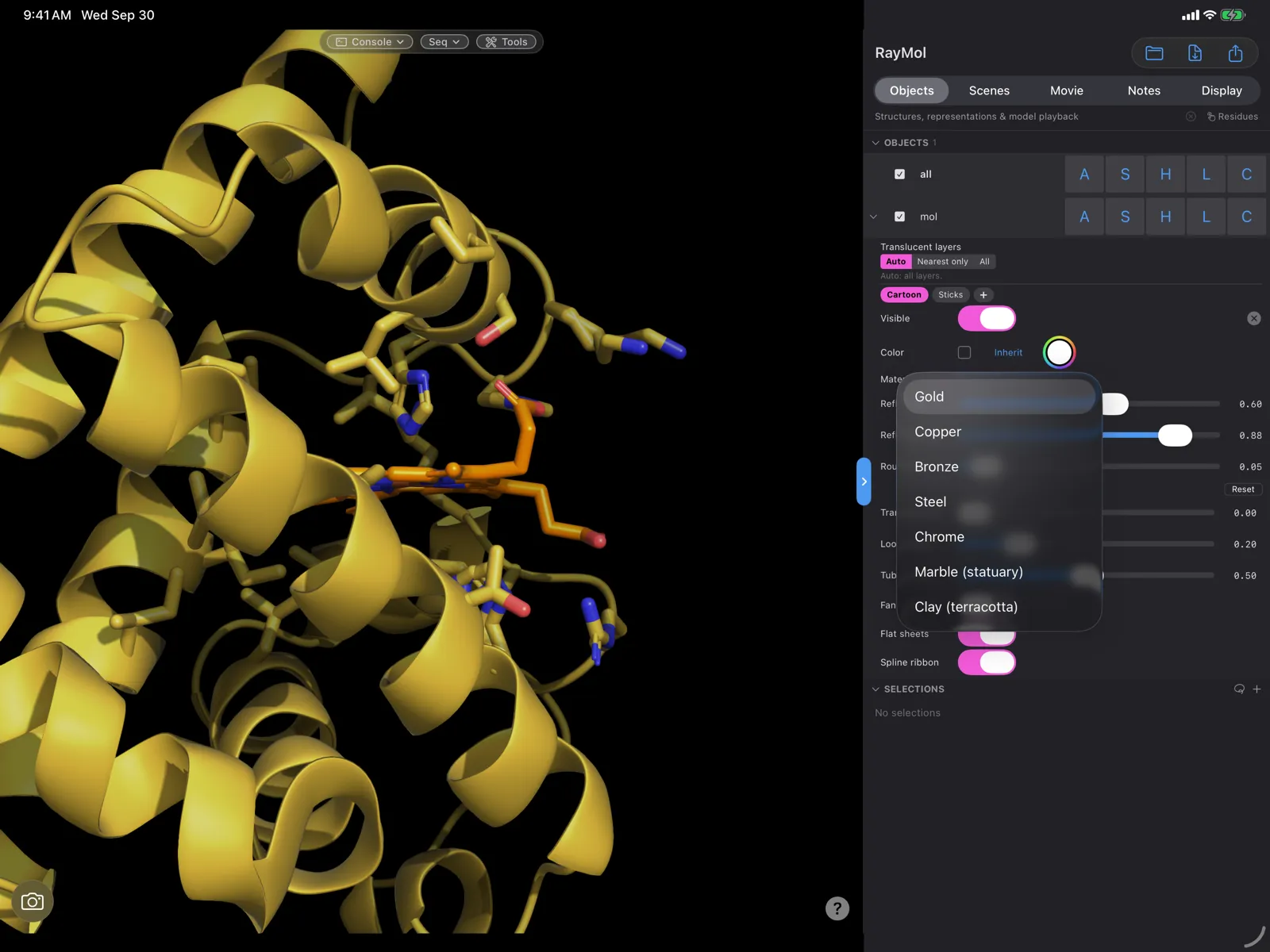 RayMol on iPad.
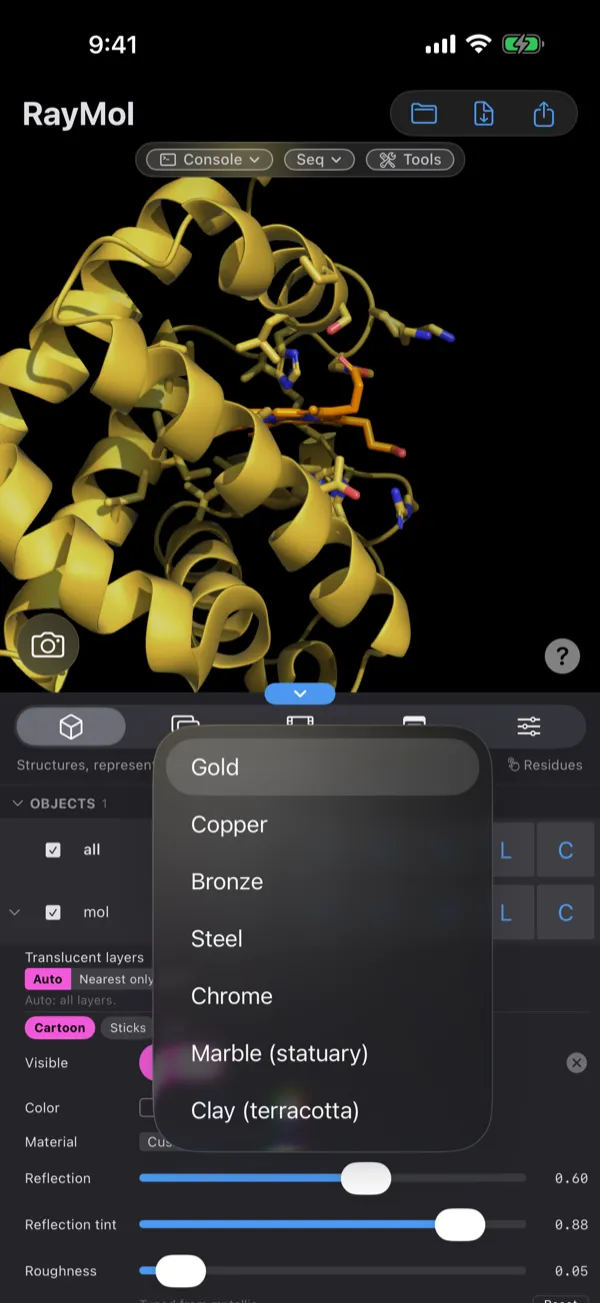 RayMol on iPhone.
The mobile edition features:
- Native Metal rendering with touch gestures for rotation, panning, zooming, and clipping.
- Adaptive layouts for portrait and landscape orientations.
- Hardware keyboard shortcuts when using an iPad with an external keyboard.
- Full access to the PyMOL command console and Python scripting interface.
Direct build vs. App Store build
Section titled “Direct build vs. App Store build”The direct macOS build (distributed via Homebrew and GitHub Releases) and the App Store edition share the same Metal rendering engine and PyMOL C++ core, but differ in update mechanisms and local AI server integration:
| Feature | Direct Build (Homebrew / DMG) | Mac App Store Build | iPadOS / iOS App Store |
|---|---|---|---|
| Distribution | Homebrew tap or GitHub Releases | Mac App Store | iOS / iPadOS App Store |
| Architecture | Apple Silicon (arm64) |
Apple Silicon (arm64) |
Apple Silicon (arm64) |
| Updater | In-app Sparkle updater or brew upgrade |
Mac App Store | App Store |
| Local MCP Server | Built-in (Connect ▸ Enable AI control) | Excluded (App Sandbox restriction) | Not available |
| AI Control Menu | Enabled (Connect ▸ Enable AI control / ⌃⌘M) |
Excluded | Not available |
| Sandboxing | Standard macOS application permissions | App Sandbox container | iOS Application Sandbox |
| On-device MLX Predict | Yes | Yes | Yes, Boltz-2 only (iOS/iPadOS 18+) |
| On-device MLX Design | Yes | Yes | Yes (iOS/iPadOS 18+) |
First-use model downloads
Section titled “First-use model downloads”RayMol executes structure prediction and sequence design locally using Apple’s MLX framework:
- Structure prediction (Boltz-2 and Protenix) downloads model weights on demand the first time you execute a prediction job. Checkpoint sizes range from about 225 MB to about 1 GB depending on the model and precision (Boltz-2’s default pack is about 530 MB).
- Checksums (SHA-256) are validated automatically before unpacking. Weights are cached locally in
~/Library/Application Support/RayMol/weights/(Mac App Store build:~/Library/Containers/io.raymol.RayMol/Data/Library/Application Support/RayMol/weights/) so subsequent runs start immediately without network access. - ProteinMPNN sequence design weights ship pre-bundled directly within the RayMol application package and require no initial download.
Updating
Section titled “Updating”Homebrew
Section titled “Homebrew”To upgrade RayMol to the latest release using Homebrew:
brew upgrade --cask raymolDirect DMG
Section titled “Direct DMG”RayMol automatically checks for updates in the background using the Sparkle framework. You can manually check at any time by selecting RayMol ▸ Check for Updates… from the menu bar.
App Store
Section titled “App Store”Updates for the Mac App Store and iOS/iPadOS builds are delivered automatically through the system App Store or can be updated manually in the Updates tab.
Uninstalling
Section titled “Uninstalling”Homebrew
Section titled “Homebrew”To remove RayMol installed via Homebrew:
brew uninstall --cask raymolManual macOS uninstall
Section titled “Manual macOS uninstall”- Move
/Applications/RayMol.appto the Trash. - To completely clear downloaded structure prediction weights and cached application files, delete:
~/Library/Application Support/RayMol/(weights, MSA cache)~/Library/Preferences/io.raymol.RayMol.plist- Mac App Store build:
~/Library/Containers/io.raymol.RayMol/ - Optional:
~/.raymolrc/~/.raymolrc.py, your startup script, if you created one
iPad and iPhone
Section titled “iPad and iPhone”Touch and hold the RayMol app icon on your Home Screen, tap Remove App, and confirm by tapping Delete App.